Creating a home office that is both cozy and productive can make a big difference in how you work and feel throughout the day. Whether you work remotely full-time or occasionally need a quiet spot to get things done, setting up your workspace thoughtfully is key. This guide offers practical tips to help you design a home office that feels comfortable and supports your productivity.
Choose the Right Location
Finding the ideal spot in your home is the first step. If possible, pick a quiet area away from distractions like TV and high-traffic zones. A room with a door is great for keeping interruptions at bay, but if that’s not an option, a corner in a less busy room can work well.
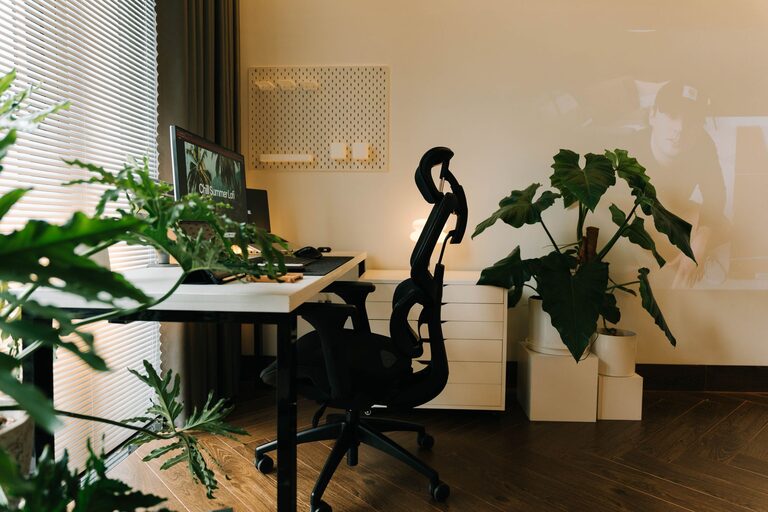
Natural light is a big plus because it can improve mood and reduce eye strain. Set up your desk near a window to enjoy daylight. If natural light is limited, use warm light bulbs and good task lighting to mimic that effect.
Invest in Comfortable Furniture
Comfort is essential for staying focused during long work sessions. Here’s what to consider:
– Ergonomic Chair: Choose a chair with adjustable height and good lumbar support to keep your back happy.
– Desk: Find a desk with enough surface area for your computer, notes, and accessories. Standing desks or adjustable desks are great if you want to alternate between sitting and standing.
– Accessories: A footrest, wrist rest, or monitor stand can reduce strain and improve posture.
Organize Your Space Efficiently
Clutter can be distracting. Keeping your home office neat helps maintain a productive mind. Try these strategies:
– Storage Solutions: Use shelves, drawers, and boxes to keep things organized but accessible.
– Cable Management: Use clips or cable ties to keep wires tidy and prevent tangles.
– Minimalism: Keep only essential items on your desk to avoid feeling overwhelmed.
Personalize Your Workspace
Adding personal touches can make your workspace feel inviting and inspiring.
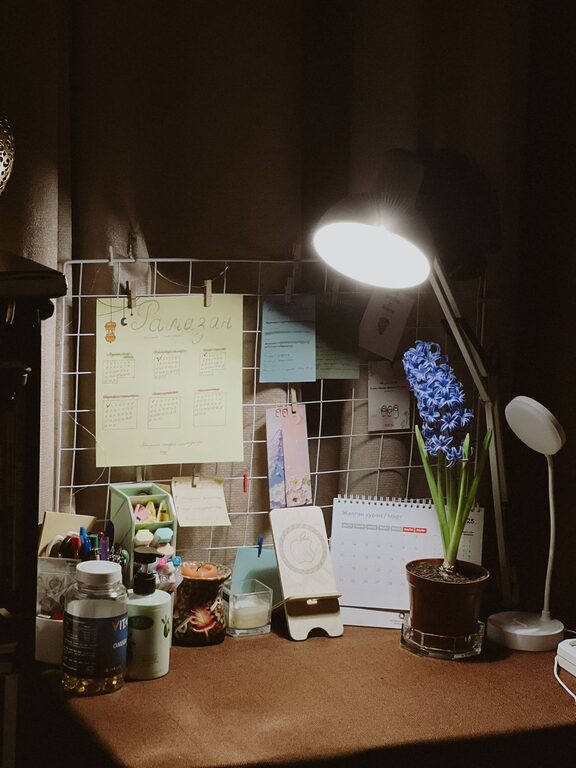
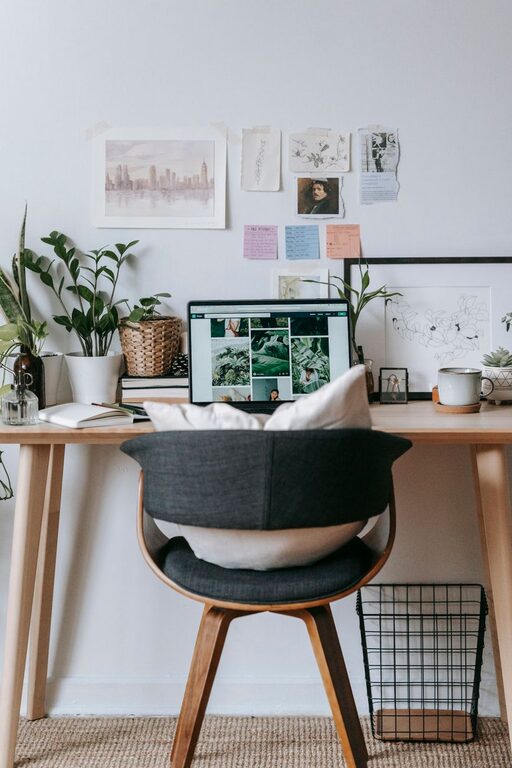
– Decor: Add artwork, plants, or photos that make you smile without distracting you.
– Colors: Choose soothing colors like blues, greens, or neutrals to create a calming environment.
– Textures: Soft rugs, cushions, or curtains can add warmth and comfort.
Optimize for Productivity
Set your home office up in a way that encourages focus and efficiency:
– Separate Work and Relaxation: Make your office space distinct from where you relax to help your brain switch modes.
– Set a Routine: Keep consistent work hours to create structure.
– Limit Distractions: Use noise-cancelling headphones, play instrumental music, or white noise if sounds divert your attention.
Take Care of Your Health
Your home office design should support your wellbeing:
– Good Lighting: Avoid glare on screens by positioning your monitor perpendicular to windows.
– Air Quality: Keep the space well-ventilated, and add indoor plants to help purify the air.
– Break Area: Have a comfortable spot nearby to take breaks and stretch.
Use Technology Wisely
Equip your home office with tools that simplify work:
– Reliable Internet: A strong connection is essential for video calls and online collaboration.
– Quality Equipment: Invest in a good microphone, webcam, and keyboard for comfort and clear communication.
– Apps and Software: Utilize productivity apps for time management and task tracking.
Regularly Refresh Your Space
Over time, your needs may change, so it’s good to revisit your setup occasionally:
– Rearrange furniture to improve flow.
– Update decor to keep your environment fresh.
– Declutter regularly to maintain focus.
—
Having a cozy and productive home office doesn’t require a large budget or space. By paying attention to comfort, organization, and your personal preferences, you can create a workspace that motivates and supports your best work from home.
About the Author